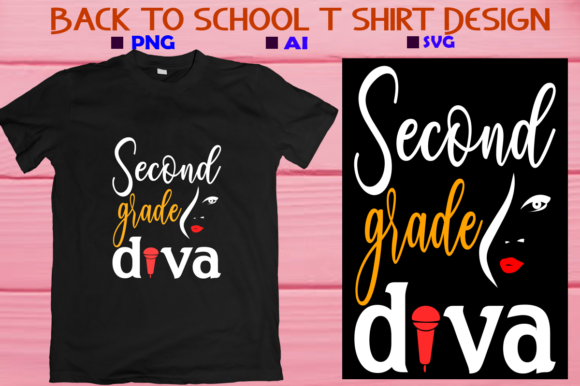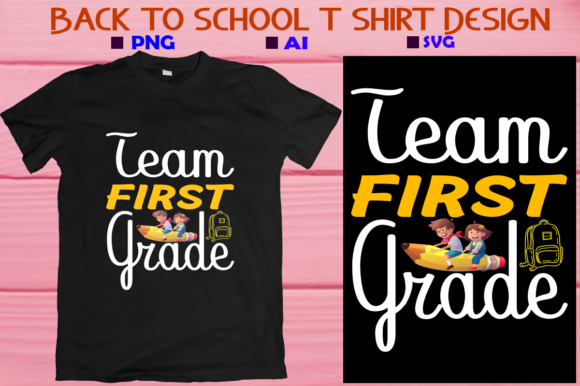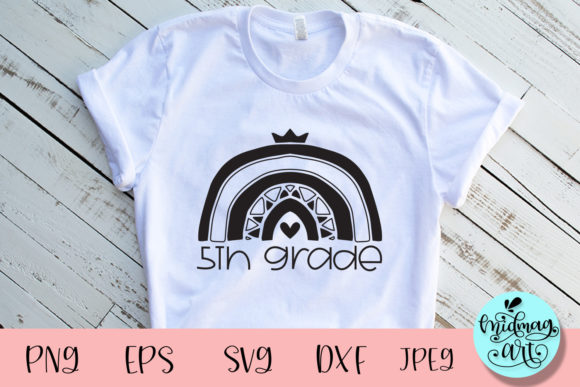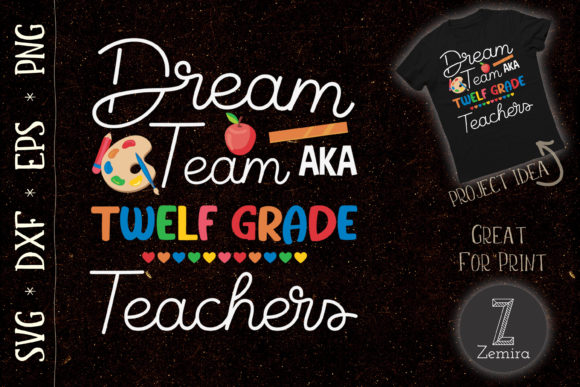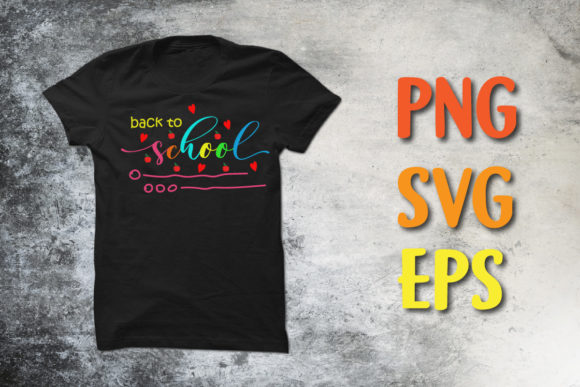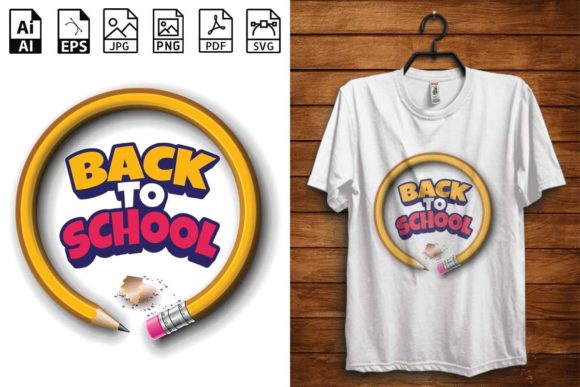
Back to School T-shirt Design- 02: The Complete Digital Bundle for Custom First-Day Gear
The first day of school is a major milestone. It sets the tone for the entire year, and for students, parents, and teachers alike, a great outfit can make all the difference. Finding a shirt that is stylish, unique, and captures the excitement of a new beginning is often harder than it looks. Retail options can feel generic, overpriced, or simply unavailable in the right sizes. This is where the Back to School T-shirt Design- 02 provides a practical and creative solution. Whether you are a DIY parent, a seasoned crafter, or a small business owner, this comprehensive digital bundle puts professional-quality design directly into your hands, allowing you to create custom apparel and accessories without the hassle of starting from scratch.
What Makes Back to School T-shirt Design- 02 Stand Out?
This design is much more than a simple graphic. It is a fully equipped toolkit for a wide range of creative projects. At its heart, the artwork carries the confident and cheerful message, "This is my new Best Back To School T-Shirt Design," making it an ideal statement piece for the first day. The true value, however, lies in the variety of high-quality files included in the bundle. You receive every major format needed for digital crafting and commercial printing:
- AI File: A fully editable vector file for Adobe Illustrator, perfect for color changes and professional customization.
- EPS File: A versatile vector format compatible with many design programs, offering scalability without any quality loss.
- PDF File: A clean, universally accessible format ideal for proofing, printing at home, or sending to a local print shop.
- SVG File: The industry standard for cutting machines like Cricut and Silhouette, ready to be uploaded and cut.
- JPG File: A high-resolution raster image for general use and quick mockups.
- PNG File: A high-resolution raster image with a transparent background, essential for print-on-demand and layering.
All files are delivered at a crisp 300 DPI and compressed into a single ZIP archive for convenient downloading and storage. This level of completeness ensures that no matter your technical skill level or preferred workflow, the Back to School T-shirt Design- 02 has the exact file you need.
Tailored Solutions for Your Back-to-School Needs
Different users have different goals, and this design bundle is versatile enough to meet them all. Understanding which approach works best for you is the first step toward a successful project.
For the Busy Parent and Gift-Giver
The back-to-school rush involves endless checklists. Creating a personalized shirt shouldn't add to the stress. The Back to School T-shirt Design- 02 simplifies the process dramatically. If you own a cutting machine, the SVG file is your best friend. You can cut the design from heat transfer vinyl (HTV) and press it onto a shirt in minutes. This allows you to create matching looks for siblings, add a child's name to the design, or make a one-of-a-kind gift for a niece or nephew. The high-quality PNG file is also perfect for creating a custom "First Day of School" photo prop or a matching personalized tote bag for carrying supplies.
For the Print-on-Demand Entrepreneur
Sellers on platforms like Etsy, Redbubble, or Merch by Amazon need designs that convert browsers into buyers. The Back to School T-shirt Design- 02 is ideal for this environment. The 300 DPI PNG file with its transparent background allows you to create clean, professional product mockups on shirts of any color. For deeper customization—such as adjusting colors to match a school's spirit or resizing elements for different product types—the vector AI and EPS files give you complete control. This design taps directly into the seasonal demand for fresh, appealing back-to-school content, saving you hours of graphic design work.
For the DIY Crafter and Hobbyist
If you love the process of making, this design opens up a world of possibilities beyond just t-shirts. The SVG file is ready for intricate layered vinyl projects. The transparent PNG is excellent for sublimation printing on mugs, coasters, and polyester apparel. Scrapbookers and card makers can use the PDF or PNG to print at home, creating custom invites for a "First Day" breakfast or memory book entries. The flexibility of the file formats ensures that your creativity is the only limit, whether you are working with iron-on transfers, printable decoration, or engraving.
How to Use Your Design Bundle for Stunning Results
Understanding the practical steps from download to finished product builds confidence. Here are the most effective ways to implement the Back to School T-shirt Design- 02 files.
Getting Started: File Preparation
After your download, you will need to extract the ZIP file. This is a simple process: double-click the file to open it, then drag the contents to a folder on your desktop. If your computer requires additional software, free tools like WinRAR or 7-Zip work perfectly. Once extracted, sort the files by format so you can easily find the SVG for your cutter or the PNG for your printer.
Creating Shirts with a Cutting Machine
1. Upload: Open your design software (Cricut Design Space or Silhouette Studio) and upload the SVG file. The design will appear as a perfectly layered set of elements.
2. Size: Adjust the dimensions to fit your shirt. A standard adult shirt looks great with a 10–12 inch design, while a child's shirt might need a 7–9 inch design.
3. Cut & Weed: Load your heat transfer vinyl onto the cutting mat and let the machine do its work. Weed away the excess vinyl carefully.
4. Press: Follow the temperature and time guidelines for your specific vinyl brand. Use even pressure to ensure the design adheres fully. The result is a professional-looking shirt that rivals any store-bought option.
Using the Files for Print-on-Demand
For platforms like Printful or Printify, you will want to use the PNG file. When creating your product listing, upload the PNG and adjust the placement. Because the background is transparent, the design will sit cleanly on the shirt. For best results, use a flat mockup generator that allows you to see how the design interacts with the fabric color. If you want to offer variations, use the AI or EPS file to create new colorways of the design, giving your customers more choice.
Creative Applications Beyond the T-Shirt
The uses for this design extend well into other areas of school preparation. The SVG file can be used to create durable vinyl decals for water bottles, laptops, and lunchboxes. The PNG file is perfect for sublimating designs onto drawstring backpacks or pencil cases. For a classroom setting, the PDF file can be printed directly onto cardstock to create name tags, cubby labels, or bulletin board decorations. This makes the Back to School T-shirt Design- 02 a valuable resource not just for the first day, but for the entire school year.
Technical Specifications and What They Mean for You
A design is only as good as its execution, and the technical quality of these files guarantees excellent results. Understanding the specifications helps you avoid common pitfalls.
300 DPI Resolution: This is the standard for professional printing. Images found on the web are typically only 72 DPI, which results in blurry, pixelated prints. The 300 DPI files in this bundle ensure that every detail remains sharp and clear, whether you are printing a small decal or a large back-of-shirt graphic.
Vector vs. Raster: The inclusion of both types gives you maximum flexibility. Vector files (AI, EPS, SVG) use mathematical equations to create lines and shapes. They can be scaled to any size—from a tiny sticker to a giant banner—without losing quality. Raster files (JPG, PNG) are made of pixels. The PNG format is essential for layering and transparency effects, which is why it is the preferred format for print-on-demand and digital scrapping.
Why Multiple Formats Matter: Not every machine or program reads every file type. Cricut users need an SVG. Screen printers often require an EPS or AI. Home printers work best with a PNG or PDF. By having all formats in one ZIP file, you avoid the frustration of format conversion and are ready to work immediately.
Choosing the Right Format for Your Project
To save time and ensure the best outcome, refer to this simple guide when starting your project:
- For Cricut or Silhouette vinyl cutting: Use the SVG file.
- For print-on-demand (Redbubble, Teespring, etc.): Use the PNG file.
- For screen printing or professional editing: Use the AI or EPS file.
- For at-home printing (paper or iron-on transfers): Use the JPG or PDF file.
- For digital scrapbooking or card design: Use the PNG file with its transparent background.
Making the Right Choice for Your Back-to-School Project
The Back to School T-shirt Design- 02 is more than just a digital file; it is a tool for creating memorable, personalized experiences. It solves the common problem of finding affordable, high-quality, and unique apparel for a specific occasion. By providing professional-grade assets in every usable format, it removes the technical barriers that often frustrate DIY creators and small business owners alike.
Whether your goal is to craft a special outfit for your own child, build a seasonal product line for your online store, or explore a new crafting hobby, this design bundle provides the foundation you need. It allows you to focus on the joy of making and the excitement of the new school year, rather than struggling with limited tools or low-quality graphics. Investing in a comprehensive, well-prepared design like this one ensures that your final product will look fantastic and stand out for all the right reasons. Customize it, wear it, share it, and start the school year with a look that truly represents the best of what you can create.